Resend onboarding email
An onboarding email is sent automatically when a new user is added. Users sometimes miss it and need it resent. The email contains a welcome message and a link to log in and set a password.
Only Organisation Admins can send onboarding emails.
Step 1: Go to the Users menu.
Step 2: Find the user you want to resend the email to, open the menu on their row and select RESEND ONBOARDING EMAIL.
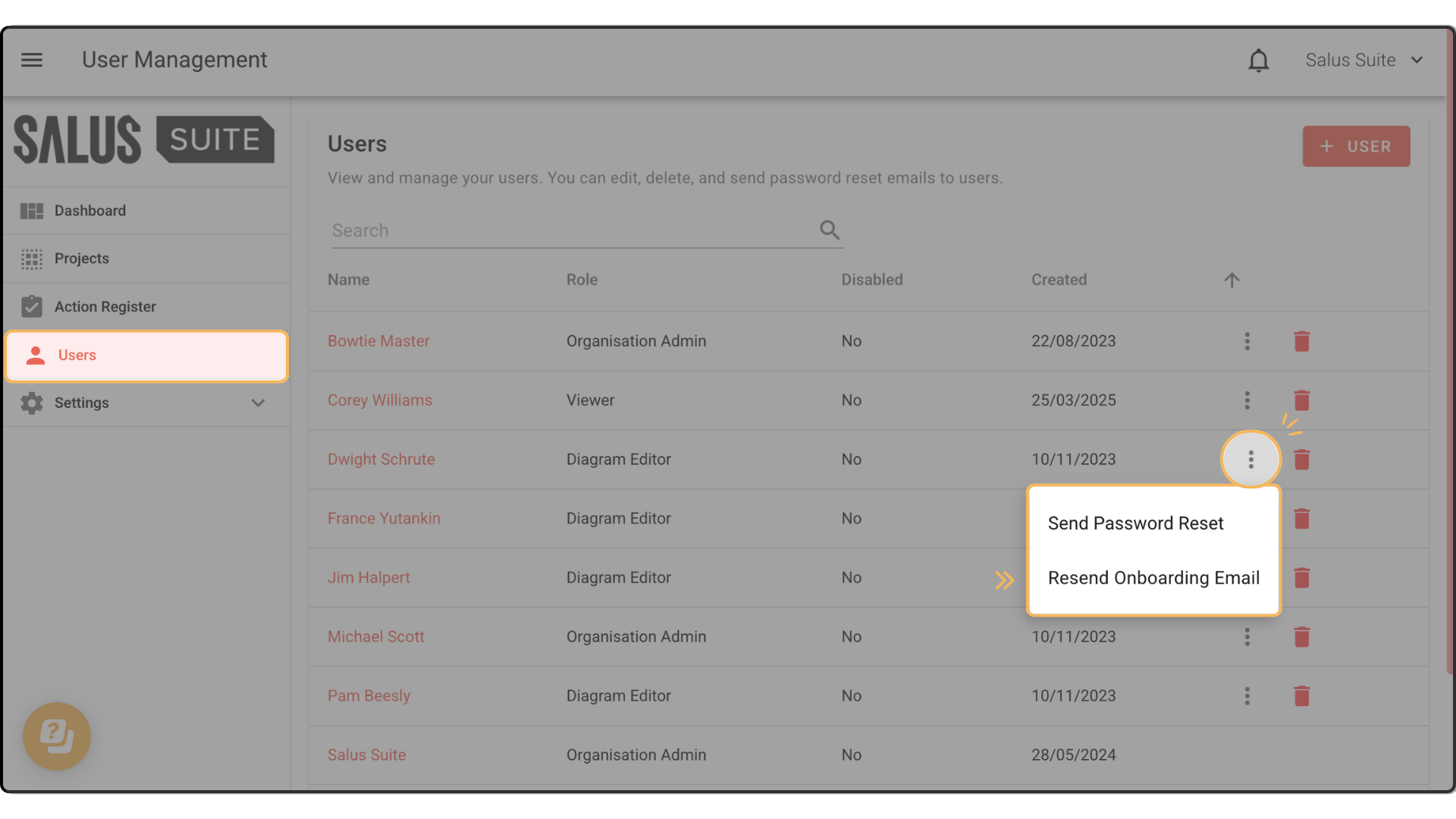
Step 3: The user receives a new onboarding email prompting them to log in.
If the user can’t see the email once resent, ask them to check their junk folder. If it’s still missing, get in touch with our team.