Use analyse mode
Analyse mode helps you visualise properties on each subtask. Choose the properties you want to see and gather information at a glance through colour-coded subtasks.
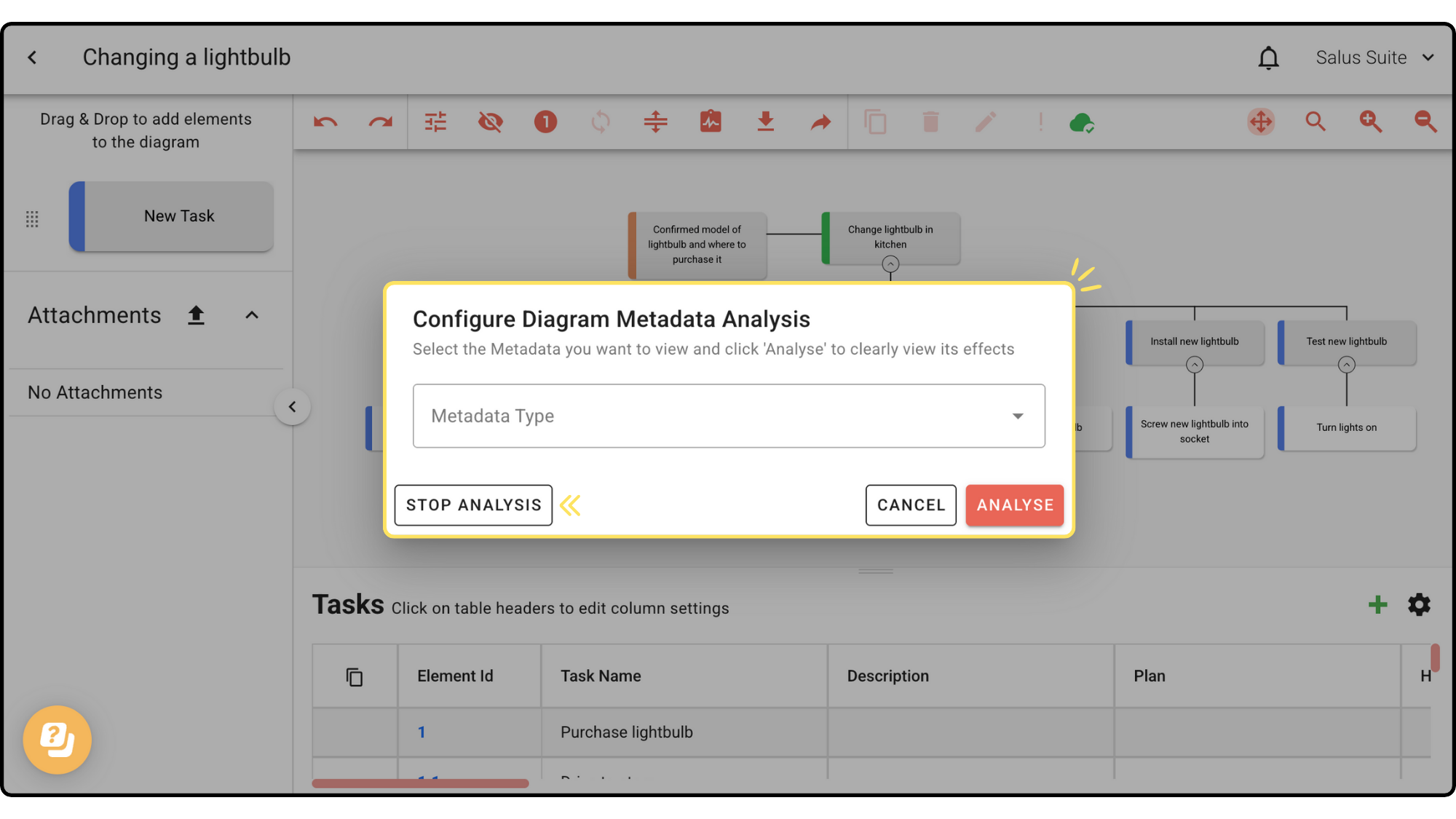
Step 1: In the Diagram Editor toolbar, click ANALYSE.
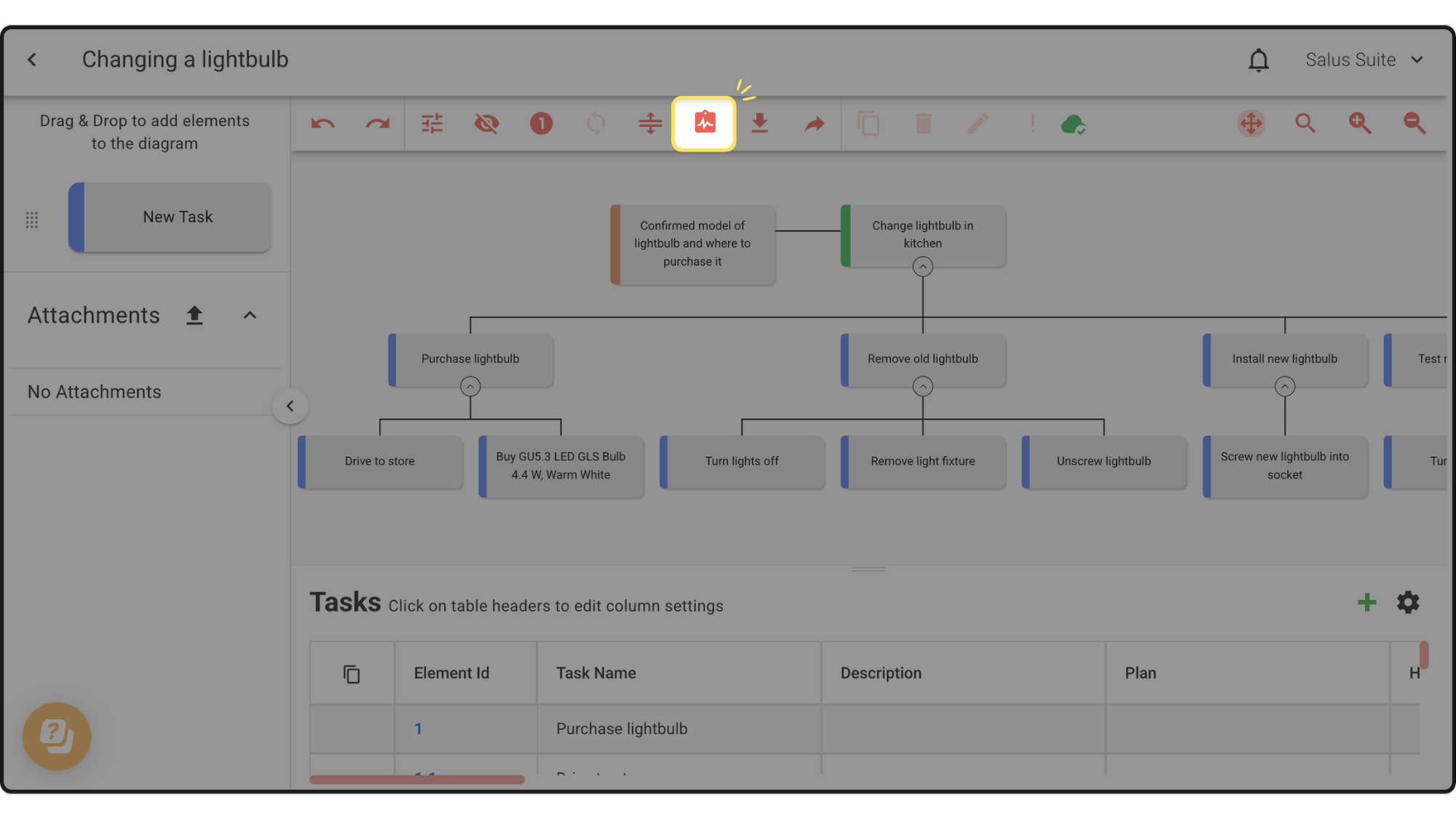
Step 2: Select the Metadata Type you want to analyse from the dropdown, then click ANALYSE.
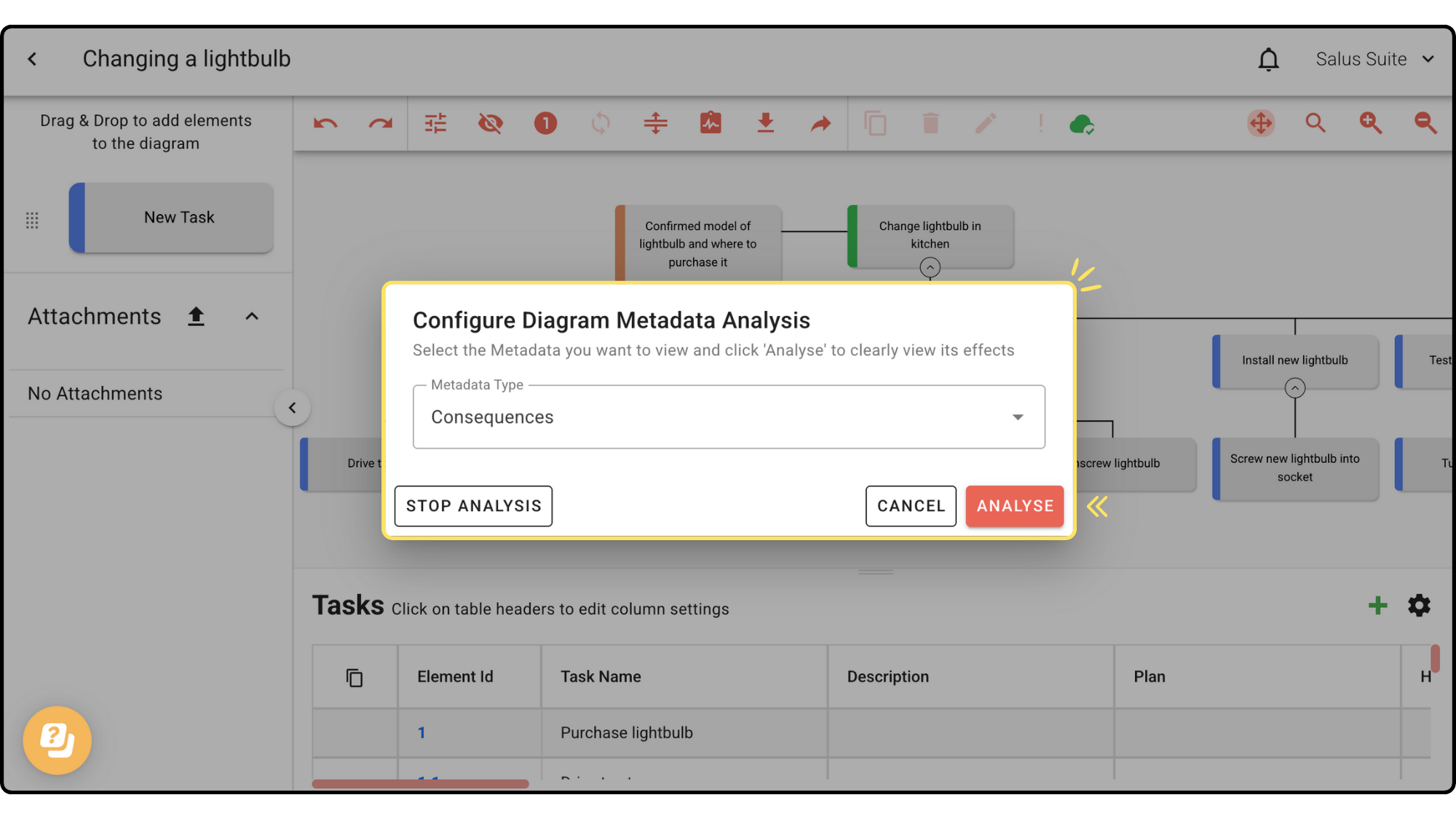
Metadata is another word for task properties, or table headers.
Your diagram now looks like this in analyse mode:
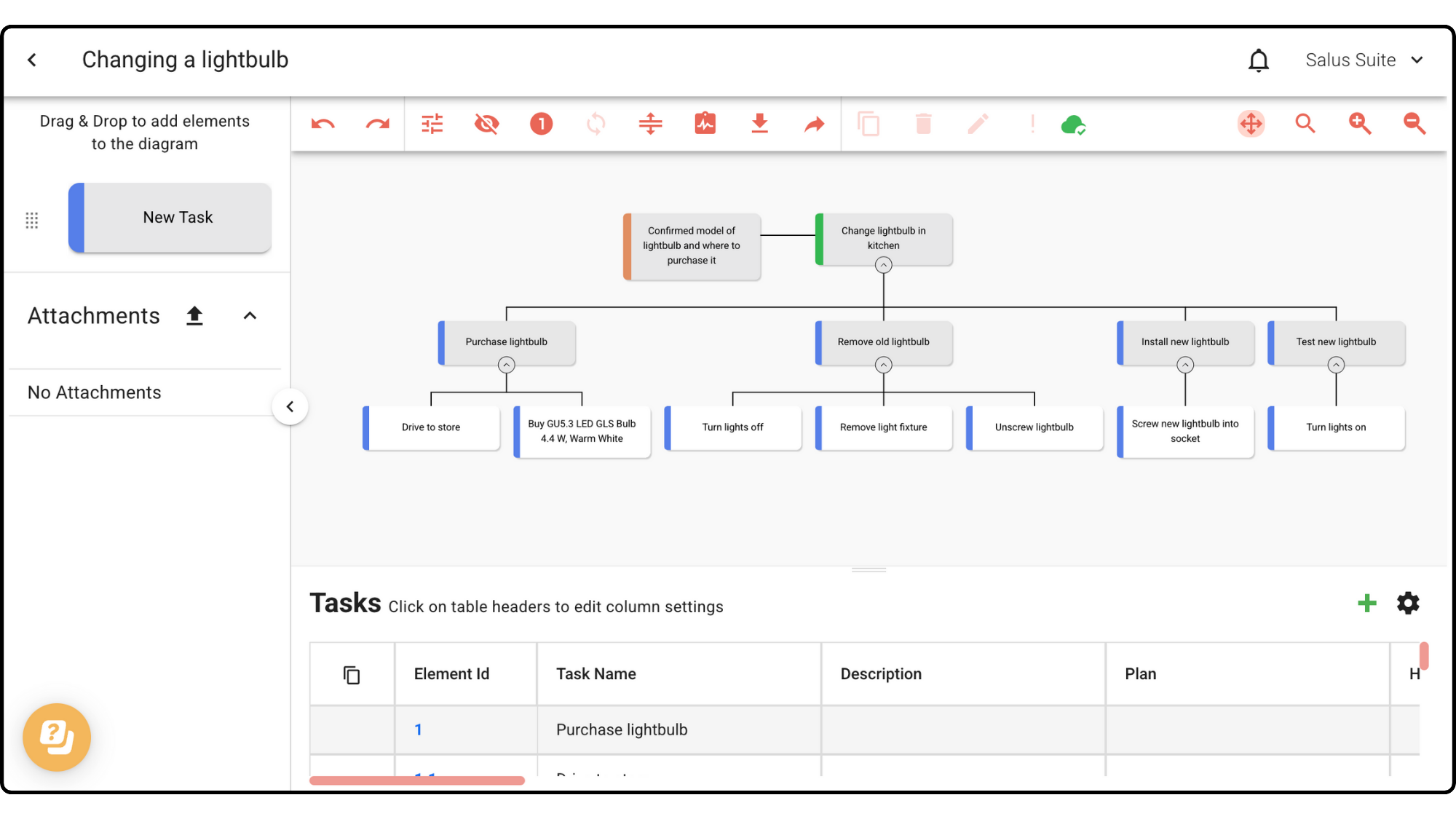
Step 3: To stop, click ANALYSE in the toolbar again, then click STOP ANALYSIS.