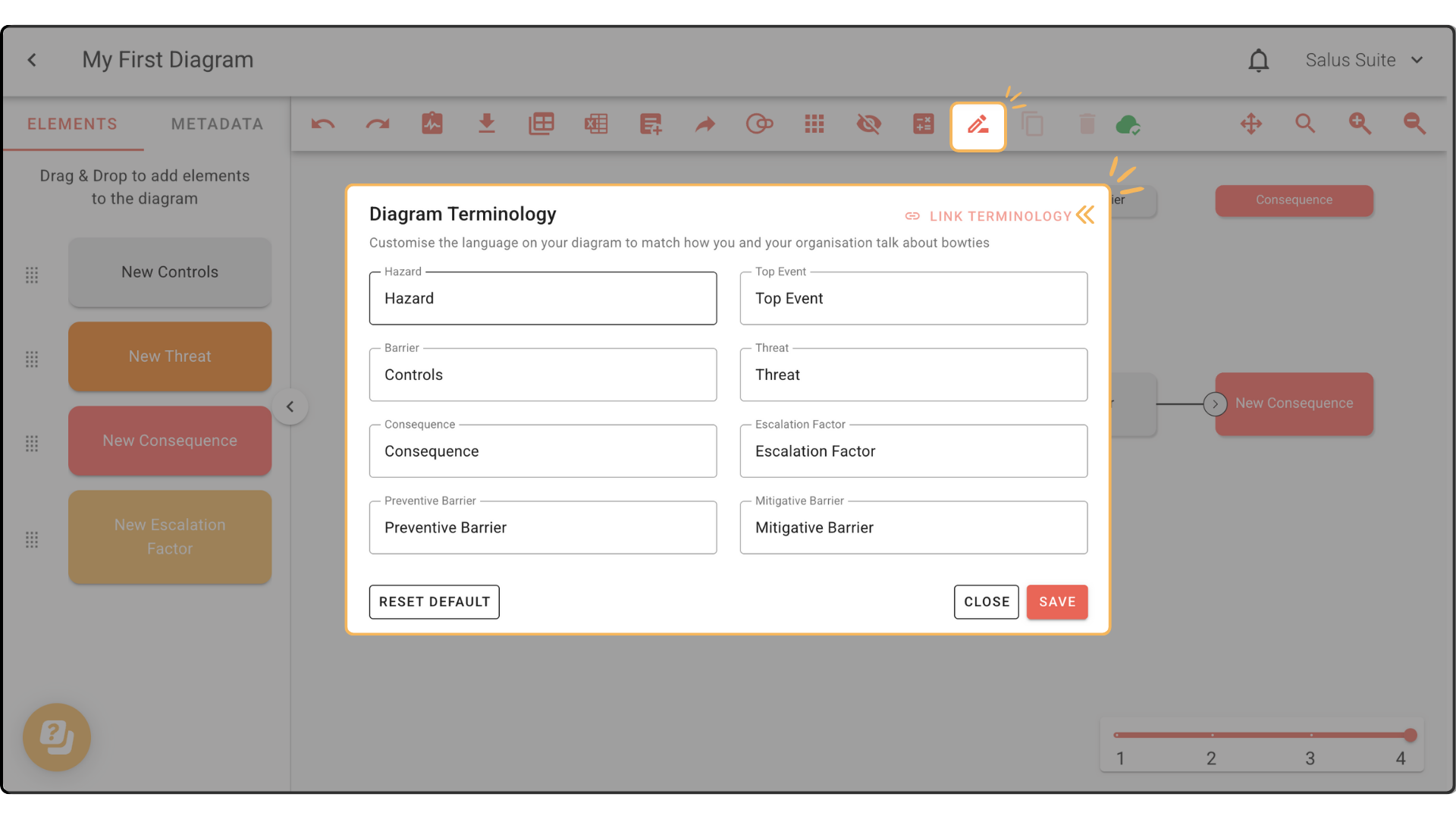
Diagram terminology
Customise the terminology in a specific diagram. By default, a diagram’s terminology is linked to your organisation’s main terminology in Settings.
Step 1: To make local changes, click TERMINOLOGY in the toolbar.
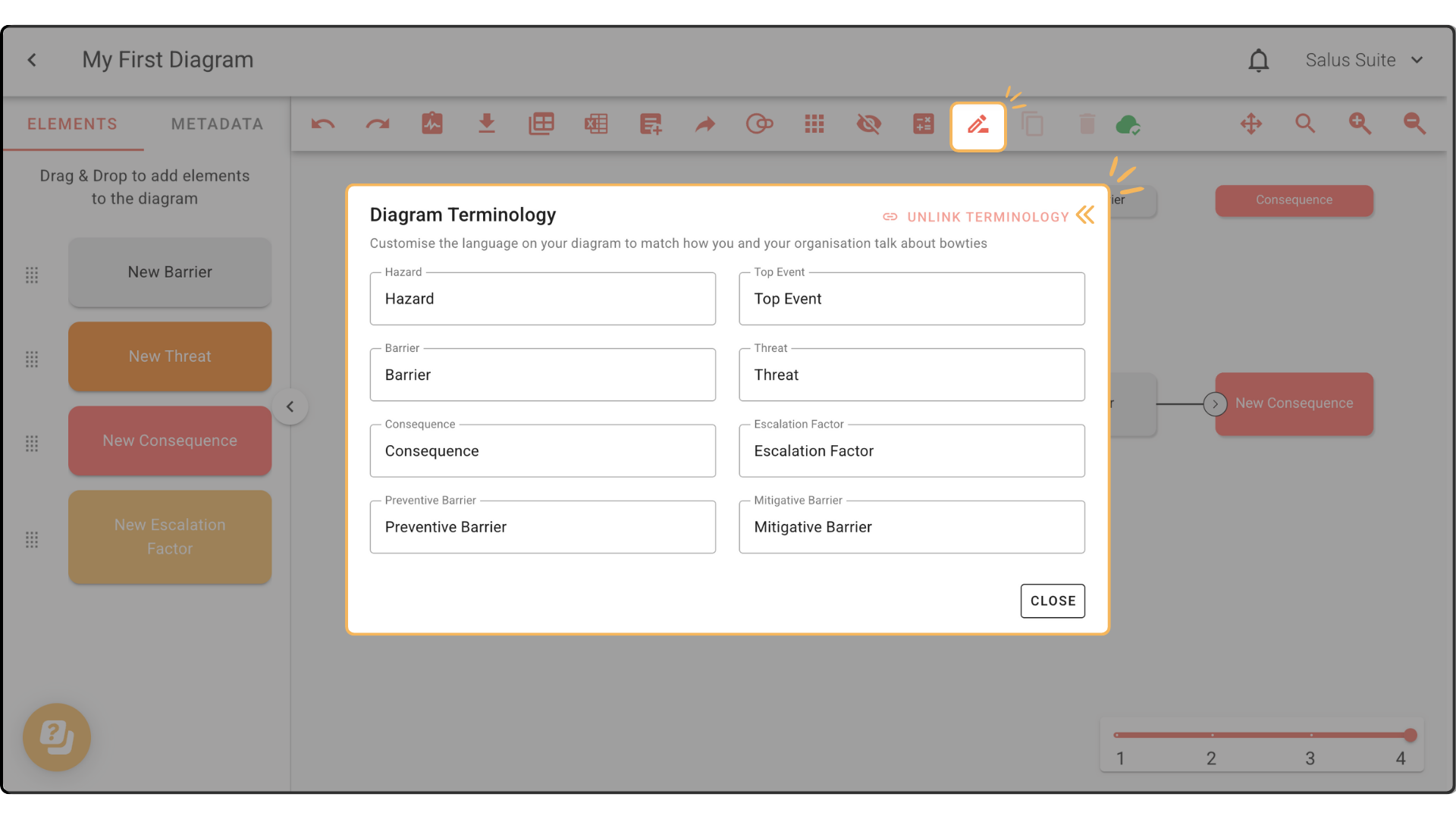
Step 2: In the pop-up, click UNLINK TERMINOLOGY. This step is essential - you can’t make changes while the terminology is linked.
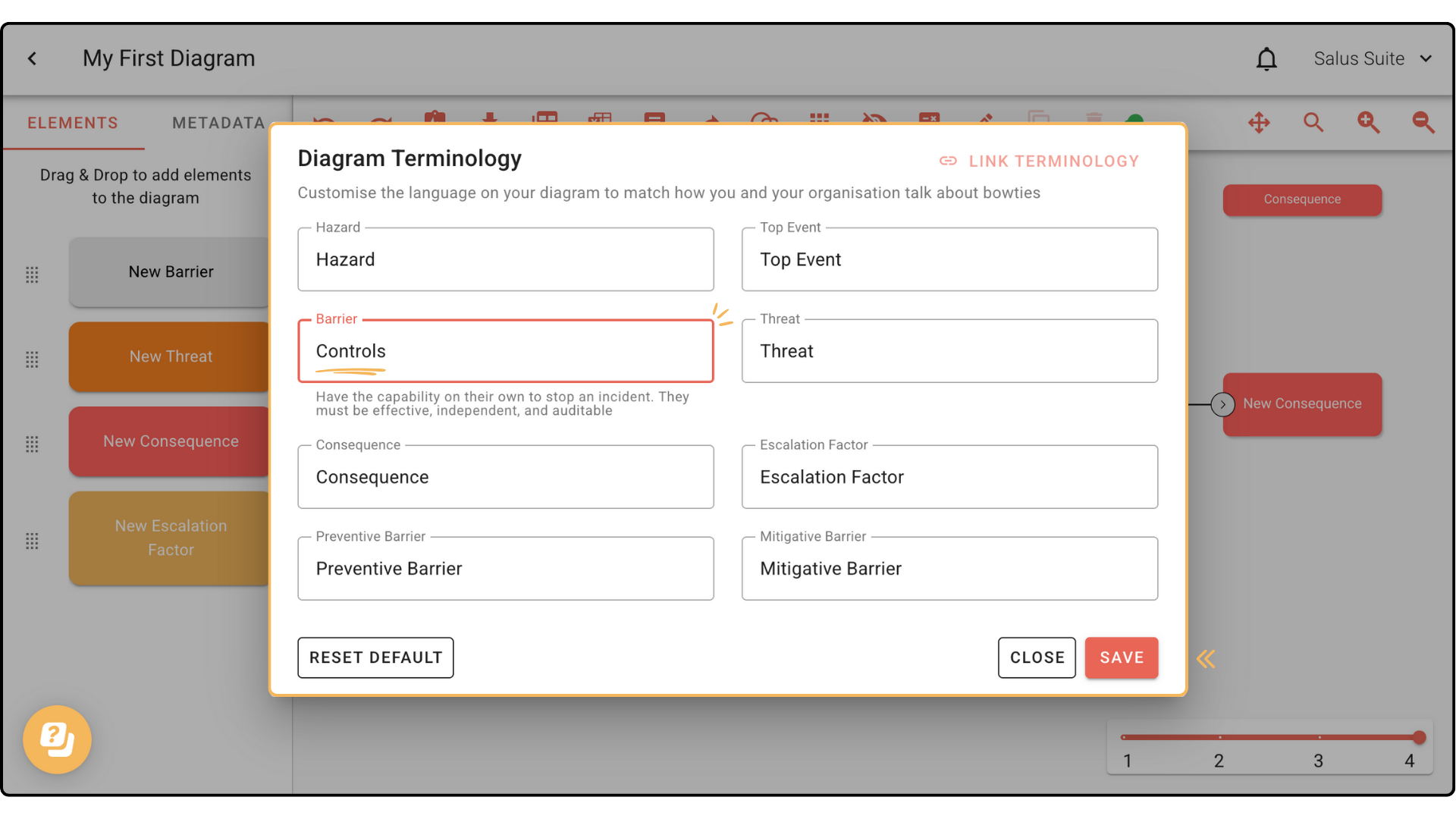
Step 3: Customise the terms. In this example we rename Barrier to Controls. Click SAVE.
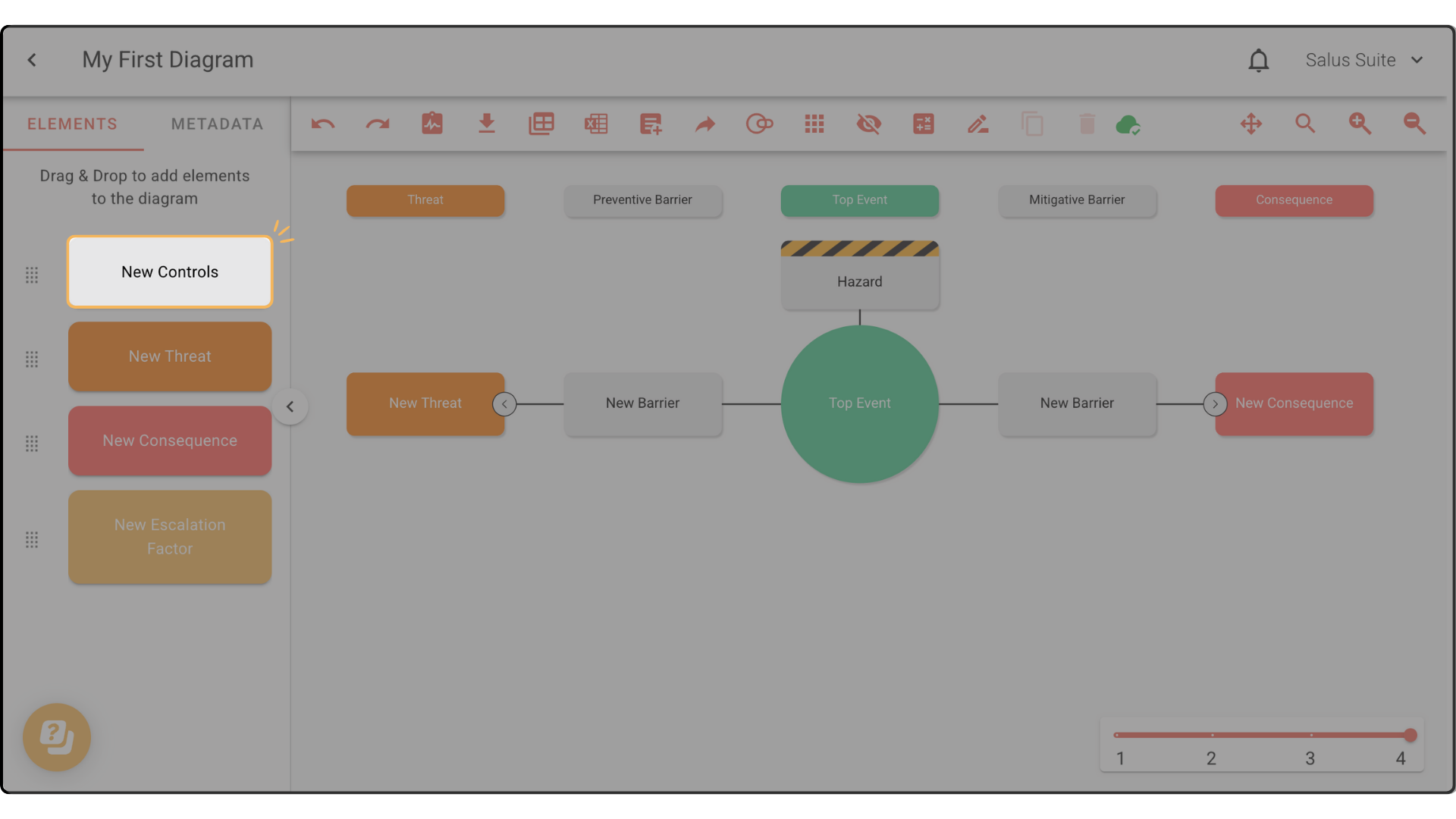
Your changes appear in the Element menu.
Step 4: To link back to your organisation’s main terminology, click TERMINOLOGY, then LINK TERMINOLOGY.