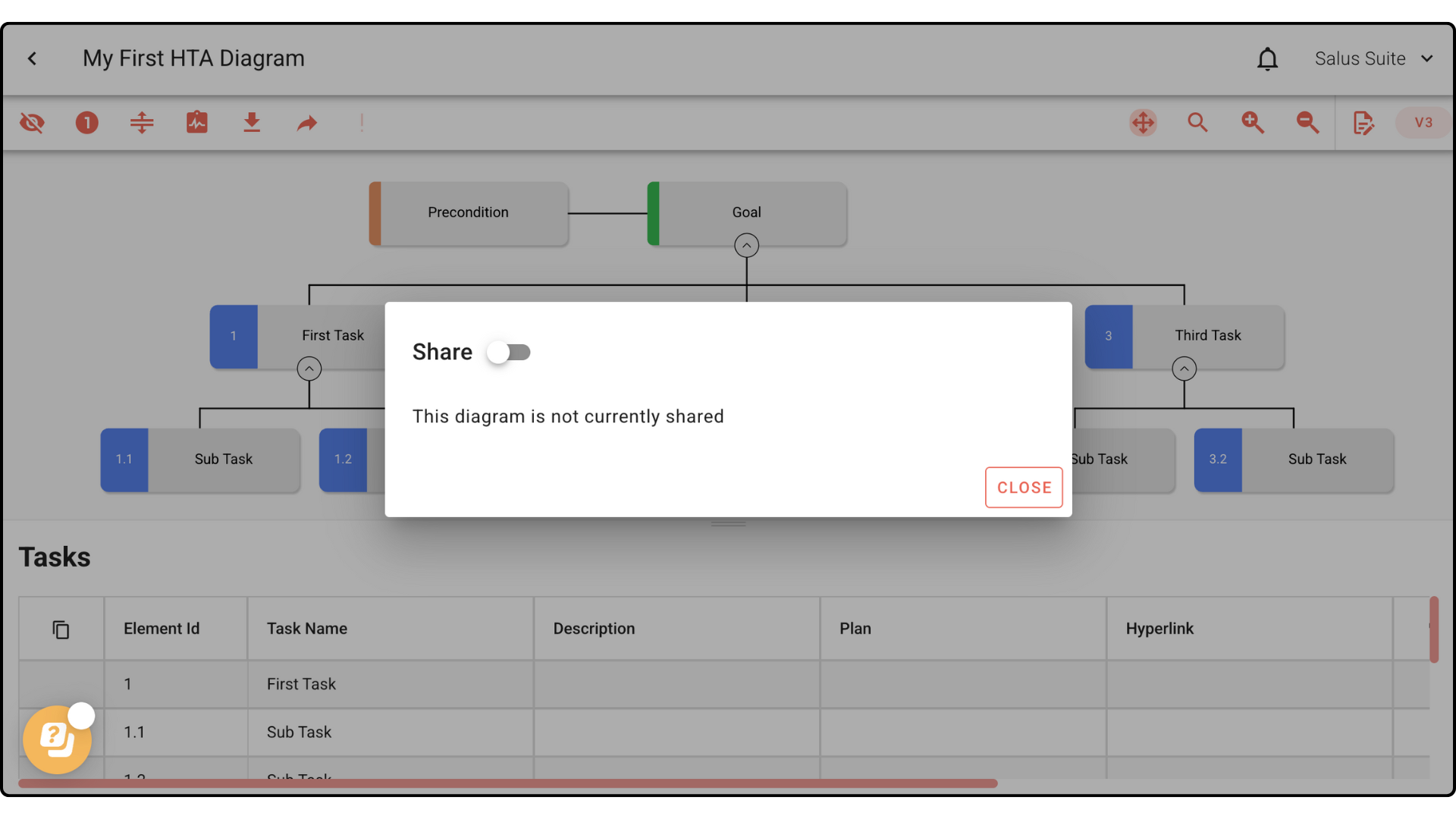
Share a diagram
Safe Task makes it easy to share your HTA diagrams across your organisation.
Share as a live link
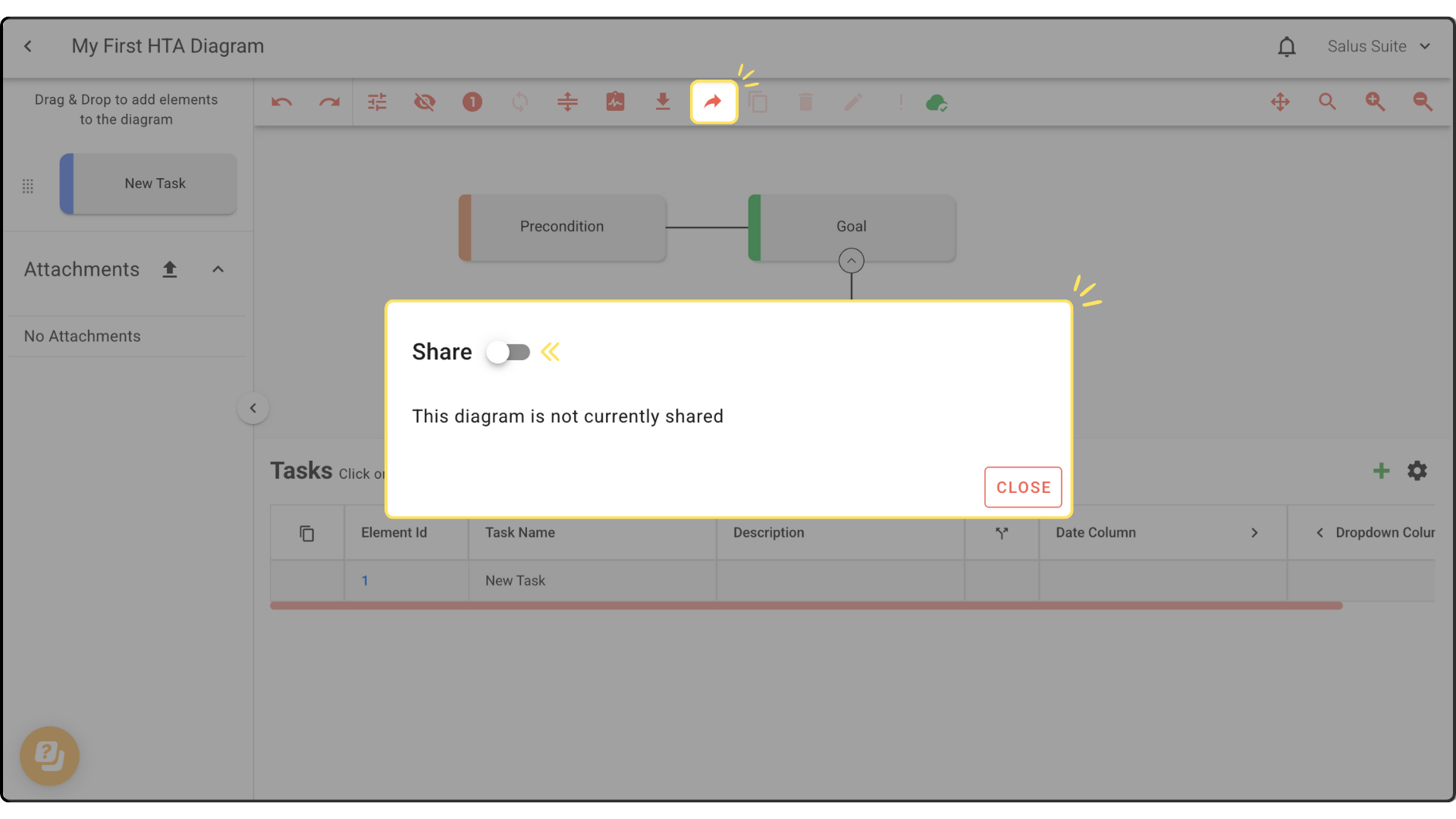
Step 1: Click SHARE in the Diagram Editor toolbar.
Step 2: Toggle Share on.
Step 3: Click UPDATE SHARED IMAGE, then click the copy link icon.
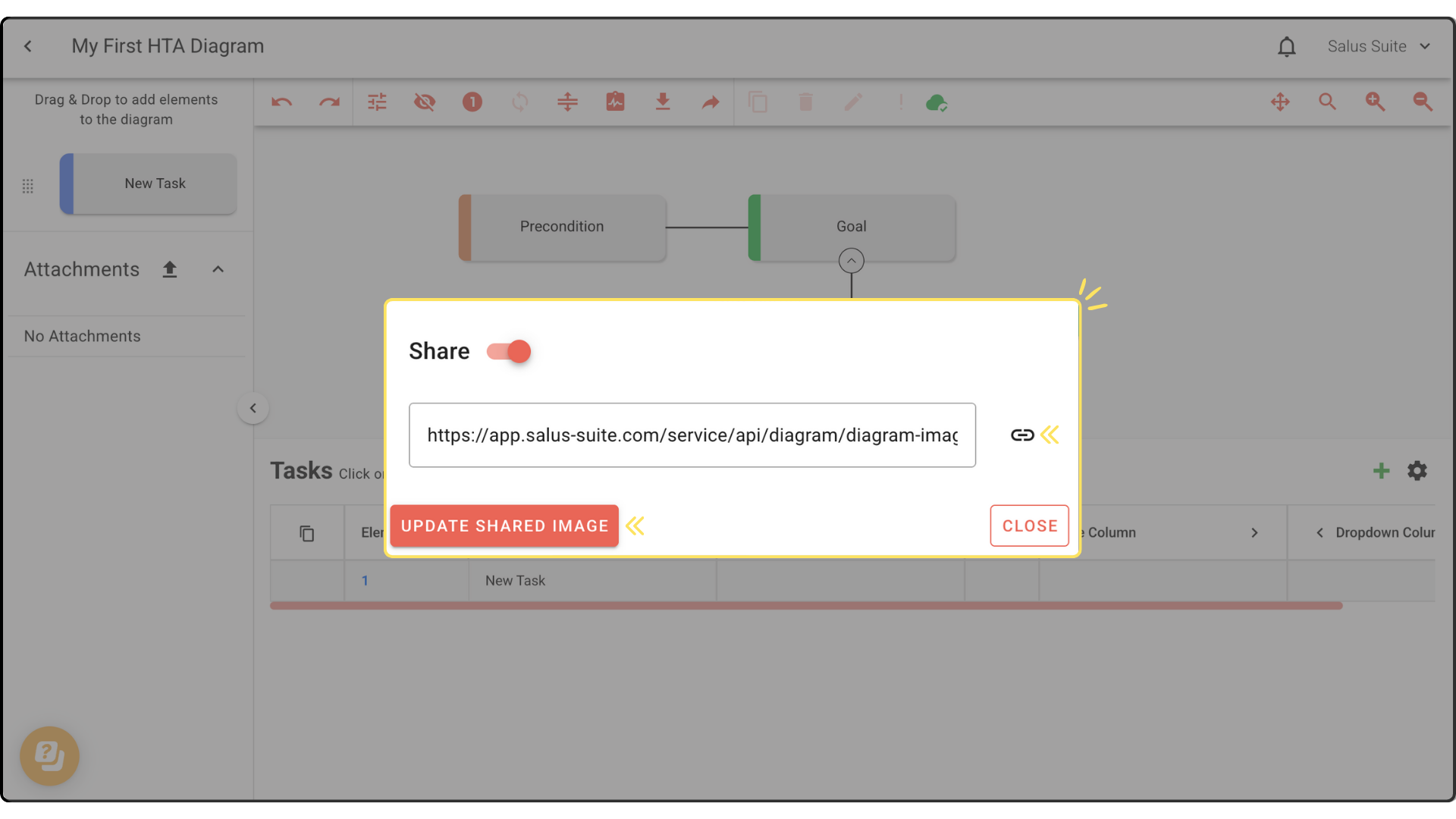
Step 4: Paste the link wherever you want to share it. Anyone with the link can view the diagram in read-only format.
Recipients don’t need a licence to view a live link. If the diagram is in a restricted project, only users from that project can share the link initially. After making changes, click UPDATE SHARED IMAGE to refresh the link so others see the latest version.
If your diagram has multiple versions, use the Select Version dropdown to choose This Version, Latest Published Version or a specific version, then click the copy icon.